
How to Download GIF from Twitter on iPhone (Step-by-Step Guide)
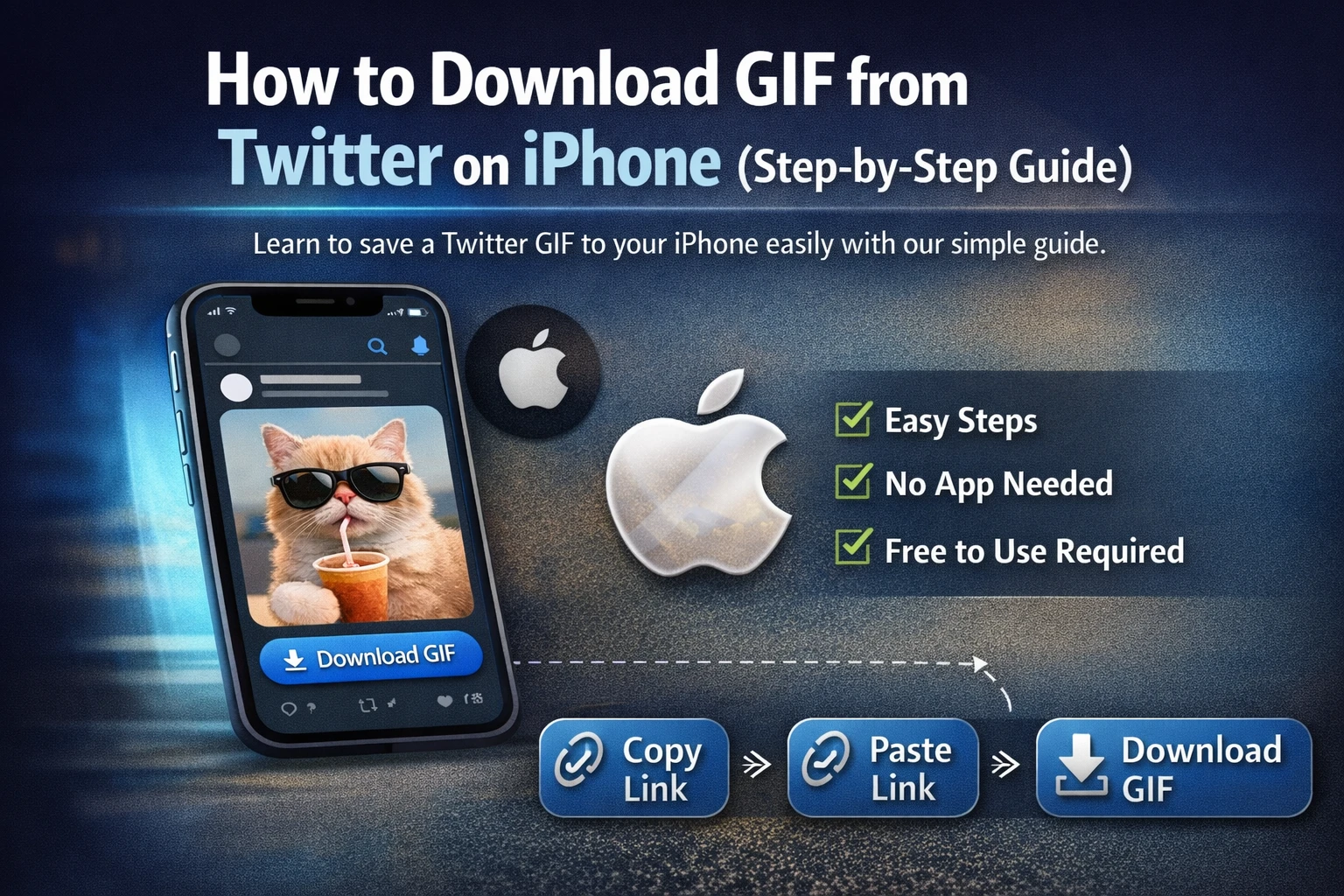
If you’ve ever tried to download a GIF from Twitter on your iPhone, you probably noticed there’s no direct download button. Unlike images, Twitter GIFs cannot be saved directly to your Photos app with a simple tap.
So how do you download GIF from Twitter on iPhone easily?
In this complete guide, we’ll show you the simplest and fastest method to save Twitter GIFs to your iPhone without installing complicated apps or creating an account.
Why You Can’t Save Twitter GIFs Directly on iPhone
The main reason is technical.
Twitter does not store GIFs as traditional .gif files. Instead, it converts them into short looping MP4 videos for better performance and faster loading speeds.
That’s why when you try to “Save Video” from Twitter, you may not get a usable GIF file — or sometimes no option at all.
If you searched for:
- how to save Twitter GIF to iPhone
- download Twitter GIF to gallery
- save Twitter GIF without app
- Twitter GIF downloader iPhone
This guide will solve your problem.
Use an Online Twitter GIF Downloader (Recommended)
The easiest way to download GIF from Twitter on iPhone is by using a reliable online tool.
Step 1: Copy the Tweet Link
- Open the Twitter app.
- Find the Tweet that contains the GIF.
- Tap the Share icon.
- Select “Copy Link.”
Step 2: Open Safari Browser
Open Safari (or Chrome) on your iPhone and visit a trusted Twitter GIF downloader website.
Step 3: Paste the Link
Paste the copied Tweet URL into the input box and tap the Download button.
Step 4: Save the File
Once processed, tap Download and choose “Save to Files” or “Save Video” to store it on your iPhone.
That’s it. The entire process takes less than a minute.
How to Convert Twitter GIF to Real GIF Format on iPhone
Since Twitter GIFs are stored as MP4 files, sometimes you may receive a video instead of a .gif file.
If you specifically need a GIF format, you can:
- Use a free online MP4 to GIF converter
- Use a GIF converter app from the App Store
- Convert using a shortcut automation
However, for most users, the MP4 version works perfectly because it offers better quality and smaller file size.
Is It Safe to Download GIFs from Twitter on iPhone?
Yes — as long as you use a trusted and secure online Twitter GIF downloader.
Make sure the website:
- Does not require registration
- Does not ask for personal information
- Does not redirect to spam pages
- Uses secure HTTPS connection
Avoid suspicious download buttons or pop-up ads.
Final Thoughts
Downloading a GIF from Twitter on iPhone might seem confusing at first, but it’s actually very simple once you know the right method.
By copying the Tweet link and using a secure online Twitter GIF downloader, you can save Twitter GIFs in seconds — without apps, without registration, and without limits.
Next time you see a funny or useful GIF on Twitter, you’ll know exactly how to download it.